
It’s 11pm before the exam. You’ve got 20 pages of notes, half a highlighter left, and zero energy to make flashcards by hand.
You paste those notes into Grasp instead, and two minutes later you’ve got a ready-to-study quiz deck. Grasp is a note-to-flashcard converter — it reads your notes and turns them into flashcards and practice questions automatically. Built for students, but it also works on a work training doc, a manual, or any dense article you need to actually remember.
What it is
Grasp takes text you give it — typed notes, a pasted chapter, a photo of your notebook — and pulls out the key facts. It turns those facts into flashcards or quiz questions on its own.
Think of it as a study buddy that reads faster than you and never gets bored writing test questions.
Try it in 5 minutes
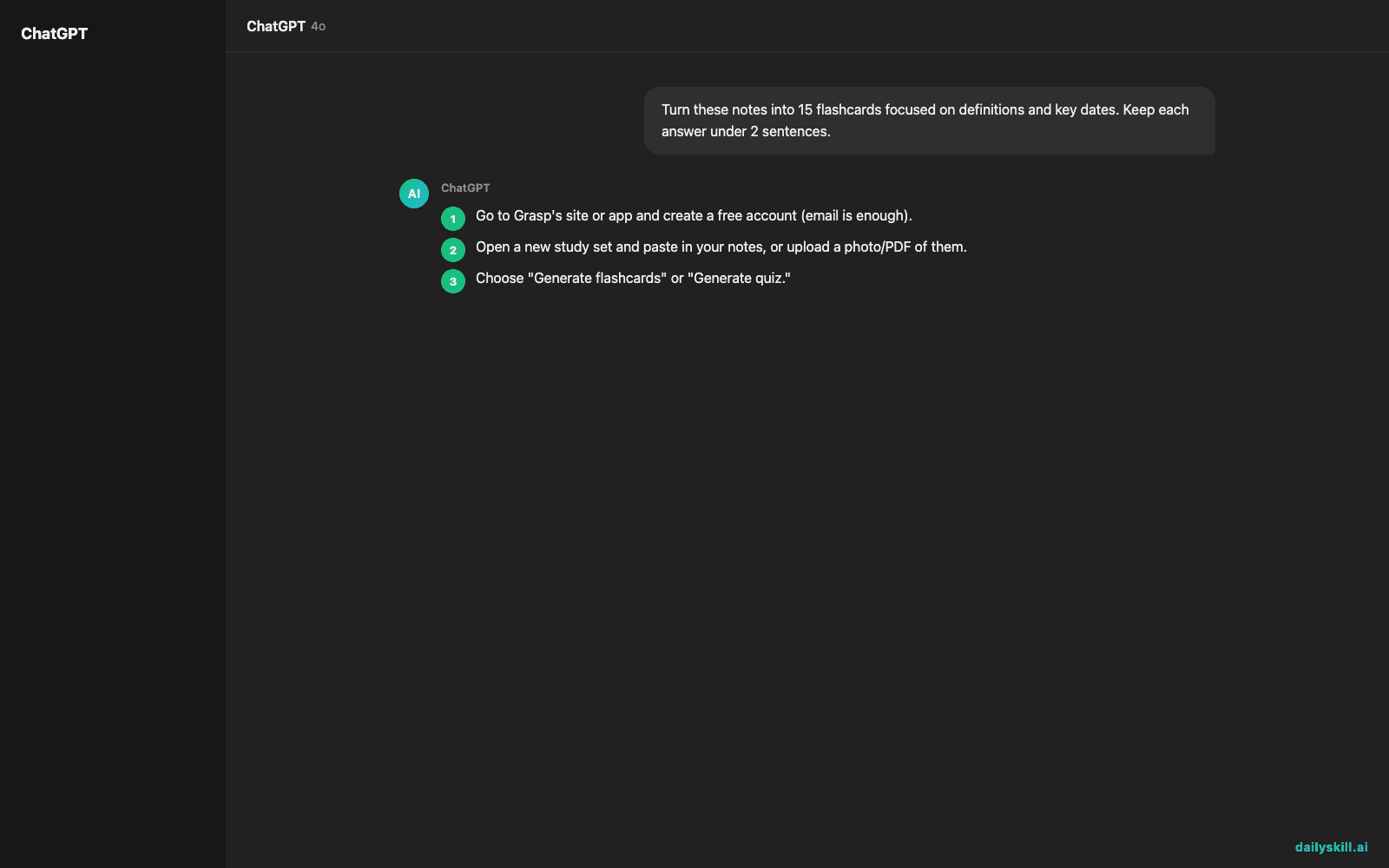
- Go to Grasp’s site or app and create a free account (email is enough).
- Open a new study set and paste in your notes, or upload a photo/PDF of them.
- Choose “Generate flashcards” or “Generate quiz.”
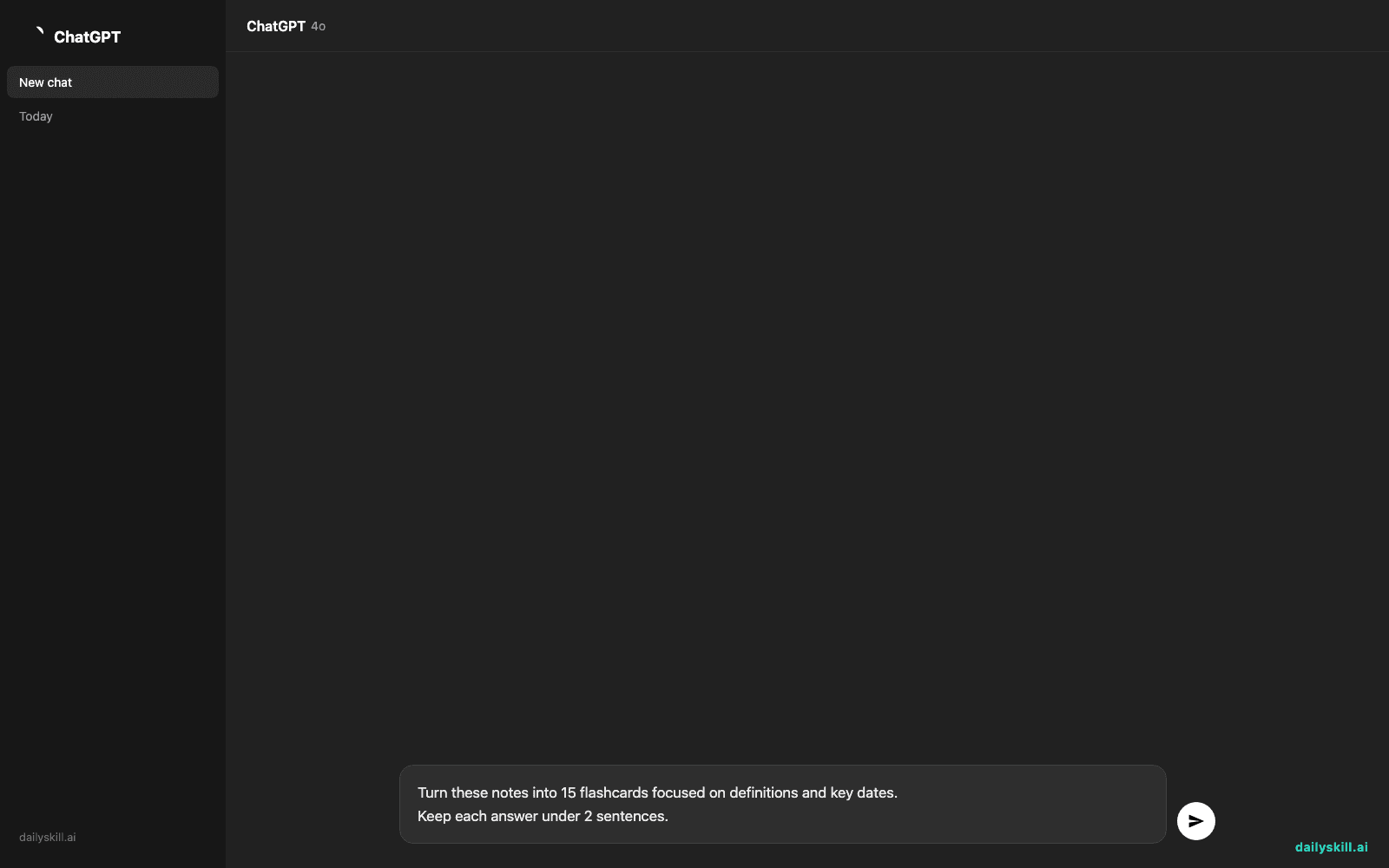
- Use this prompt if it asks what to focus on:
Turn these notes into 15 flashcards focused on definitions and key dates.
Keep each answer under 2 sentences.
- Review the generated cards, delete or edit any that feel off, then start a self-test round.
A real example
Input: two paragraphs of biology notes on cell respiration, pasted as plain text.
Output: 12 flashcards, including “Q: What is the main product of glycolysis? A: Pyruvate, plus a small amount of ATP and NADH.” Plus a 5-question multiple-choice quiz that ends with a score summary showing which topics you missed most — in this case, the electron transport chain step.
Honest take
Best for:
– Exam prep when you’re short on time and have a pile of notes to work through
– Converting textbook chapters or lecture slides into self-testing material
– Quick review sessions before tests, using spaced repetition-style quizzes
Not for:
– Learning brand-new material from scratch — it quizzes what’s already in your notes, it doesn’t explain concepts you never understood in the first place
– Very messy handwriting — photo uploads only work well when the text is legible
The free tier caps you at a limited number of flashcards per month. That’s enough to test it on one or two subjects before deciding if it’s worth paying for.
FAQ
Is it free? Yes, there’s a free tier with a flashcard limit. Paid plans unlock more cards and quiz types.
Is it safe? Yes — treat it like any note-taking app. Skip uploading notes with personal or sensitive info you wouldn’t want stored online.
Do I need an account? Yes, a free account is required to save and reuse your study sets.
Today’s pick wrap-up
If notes are piling up and the exam isn’t waiting, Grasp turns your reading time into test-ready material in minutes. Tried it? Tell us your best study set in the comments. Tomorrow: Otter.ai — for when your notes come from a lecture you didn’t have time to write down.
You might also like:
- Get a Custom 15-Minute Workout Plan Built Just for You
- How do I use AI to improve my writing without letting it write for me?
Master Everyday AI in 1 Minute a Day
Get our free 2026 Double-Blind AI Benchmark Scorecard & 20 Ready-to-Use Prompts, plus one honest, 60-second AI skill in your inbox every morning. Zero hype, plain English, cancel anytime.


