
You read a great article and want to share it — but staring at a blank text box, you’ve got nothing. Here’s exactly how to turn any long piece into a sharp, post-ready tweet in under a minute.
Sound familiar?
You found a genuinely interesting article. You want to share it. But condensing 1,200 words into 280 characters without sounding like a robot? You end up either pasting the headline and giving up, or spending 10 minutes writing something that still feels flat.
The 60-Second Fix
Step 1 — Copy the article text (or grab the URL)
Open the article. Select all the text, copy it, and paste it into ChatGPT. If ChatGPT can access the web in your session, you can simply paste the link directly — it’ll read the page for you.
Step 2 — Paste this prompt
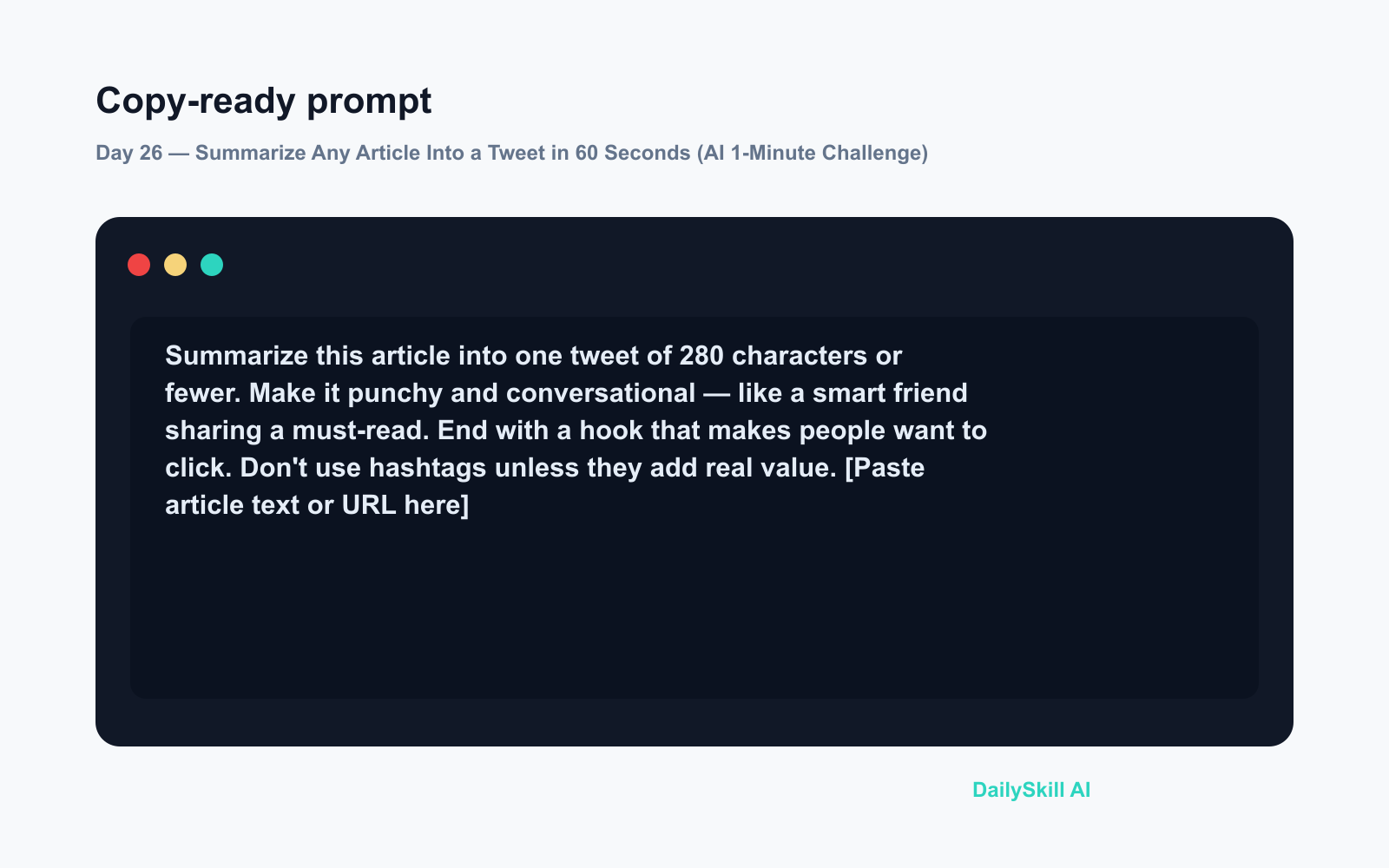
Summarize this article into one tweet of 280 characters or fewer.
Make it punchy and conversational — like a smart friend sharing
a must-read. End with a hook that makes people want to click.
Don't use hashtags unless they add real value.

[Paste article text or URL here]
Step 3 — Copy, tweak if needed, and post
Read the result once. Swap in your own voice if one word feels off. Done. You’re posting in under a minute.
Real Example
Article pasted: A 900-word piece about scientists discovering that short afternoon walks significantly improve focus and memory in office workers.
AI output:
“A 10-minute walk after lunch isn’t just good for your body — researchers found it measurably sharpens focus and boosts memory for hours afterward. Your best afternoon meeting prep might already be built into your day. 🚶”
That’s 221 characters. Punchy, specific, human. Zero rewriting needed.
Level Up
- Match your audience: Add “Write this for a LinkedIn audience — professional but warm” or “Keep it casual, I tweet for a tech-curious crowd.”
- Get three options at once: Add “Give me 3 different versions” to the prompt and pick your favourite.
- Add your opinion: Ask it to “start with my take: I think this matters because…” and let it finish the thought in your voice.
FAQ
Can I use this free, without a paid ChatGPT plan?
Yes. ChatGPT’s free tier handles text summarization easily. Paste the article text directly if you’re unsure whether your session includes web browsing.
What if the tweet comes back too long?
Just reply: “That’s 310 characters — trim it to 280 without losing the hook.” ChatGPT will fix it immediately.
Will it work for any topic — not just news?
Absolutely. Blog posts, research summaries, newsletters, even a long email — if you can paste the text, AI can condense it for social media in seconds.
Today’s Check-In
Try it right now with the last article you bookmarked and shared meaning to share — then drop your tweet in the comments. Did the first draft nail it, or did you tweak it?
Tomorrow on Day 27: Your email chain is buried in dates and deadlines — we’ll show you how to pull every single one out in seconds, no scrolling required.
⭐ Want every prompt in one place?
All 136 tested prompts from our daily skills are free on
GitHub — DailySkill Prompt Library.
Star it to get new prompts as we publish.
More on AI for Everyday Life & Home:
- 5 AI Tasks You Can Do Every Day in Under 90 Seconds Each
- Can AI Help With Meal Planning and Recipes? (Yes, Here’s How)
- Can AI Read and Summarize a Website or Article for Me?
You might also find these helpful:
- Midjourney — Turn a Sentence Into Blog-Ready Art in Minutes
- Stop Typing Out Your Voice Memos — Let AI Do It Instead
- Hugging Face & Cerebras Bring Gemma 4 to Real-Time Voice AI
Master Everyday AI in 1 Minute a Day
Get our free 2026 Double-Blind AI Benchmark Scorecard & 20 Ready-to-Use Prompts, plus one honest, 60-second AI skill in your inbox every morning. Zero hype, plain English, cancel anytime.


