The moment this solves
It’s 9 p.m. and your presentation is due at 9 a.m. You’ve opened PowerPoint, picked a theme, and typed exactly nothing. Gamma AI takes a one-paragraph description and returns a full, designed slide deck in about 30 seconds — it’s built for anyone who needs something that looks good tonight, not next week.
What it is
Gamma is a web app where you type what your presentation is about, and it generates the slides, layout, and content in one go. It’s not PowerPoint with an AI button bolted on — the writing and the design happen at the same time, from scratch. Slides are its sweet spot, though you can also use it to make one-page docs and simple websites.
Try it in 5 minutes
- Go to gamma.app and sign up — the free tier doesn’t ask for a credit card.
- Click Create new and choose Generate.
- Paste this prompt into the text box:
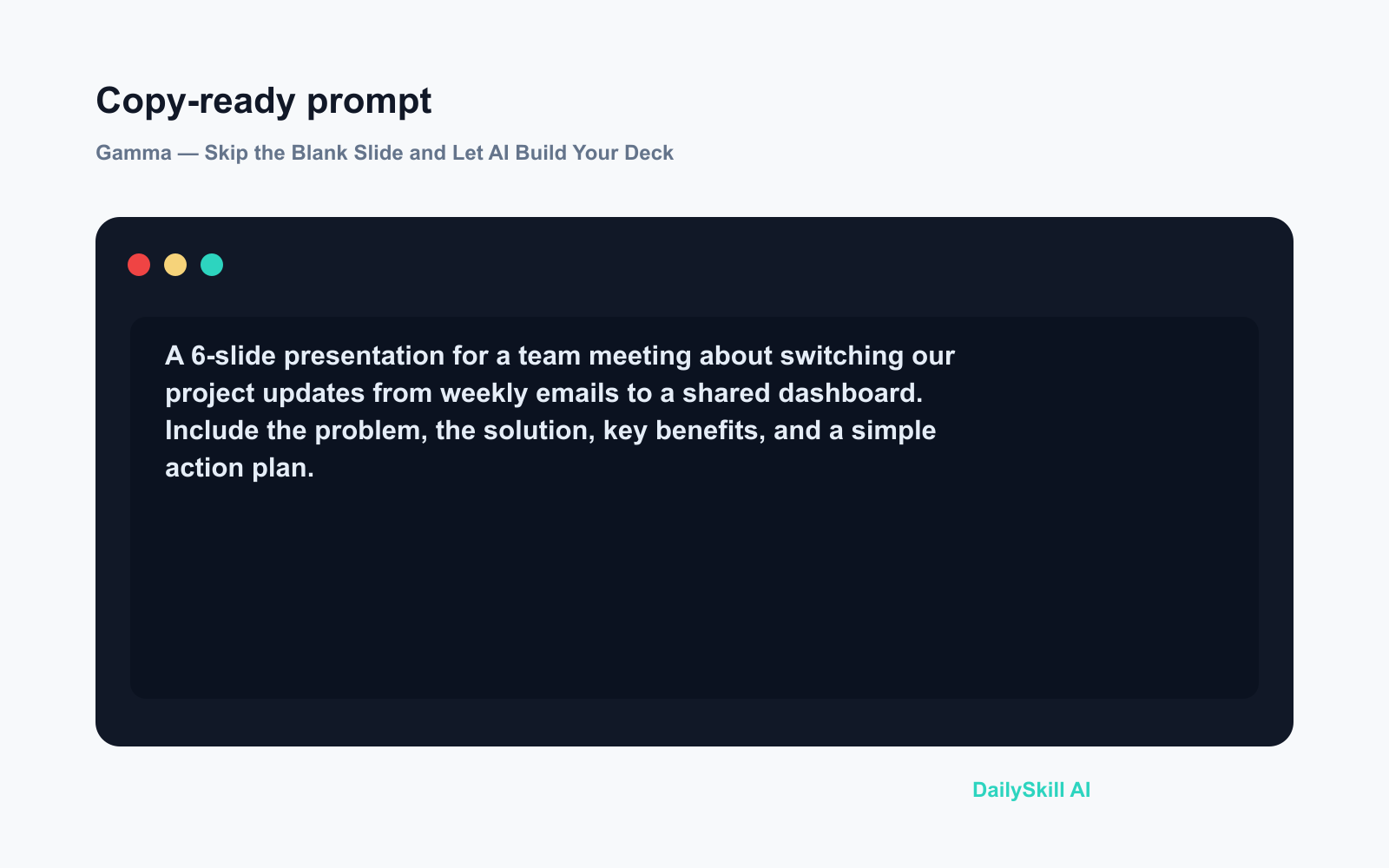
A 6-slide presentation for a team meeting about switching our project updates
from weekly emails to a shared dashboard. Include the problem, the solution,
key benefits, and a simple action plan.
- Pick a visual theme from the options it shows you, then hit Generate.
- In about 30 seconds you’ll have a full deck. Click any card to edit the text directly.
You’re not touching fonts or alignment — Gamma handles all of that.
A real example
Input: The prompt above — a workplace scenario, six slides, a clear goal.
What you get: A deck with a cover slide titled something like “From Email Updates to a Live Dashboard,” followed by slides covering “The Problem With Weekly Emails,” “What a Shared Dashboard Looks Like,” “Three Benefits for the Team,” a simple timeline card, and a “Next Steps” closer. Each slide has a short headline, 3–4 bullet points, and a clean background. The copy isn’t perfect — expect some generic phrasing you’ll want to swap out — but the structure and layout are done before you’ve edited a single word.
You’d normally spend 20–30 minutes just building that structure. Here it takes half a minute.
Honest take
Best for:
– Getting a first draft done fast when time is short
– People who find design decisions exhausting (Gamma just makes them for you)
– Internal presentations, pitches, proposals, and quick explainers
Not for:
– Pixel-perfect branded decks — Gamma’s theme editor won’t replicate a strict company style guide
– Exporting to PowerPoint on the free tier — .pptx export sits behind the paywall, which catches people off guard
Free tier: Yes. You get a monthly allowance of AI credits to generate decks. Editing and sharing are free with no limits. Paid plans unlock unlimited generation and PowerPoint export — worth knowing before you rely on it for a client handoff.
FAQ
Is Gamma free to use?
Yes. Sign up at no cost and you get enough free credits to make a handful of decks per month. If you present regularly, a paid plan removes the credit limit.
Is my content safe?
Your prompt goes to Gamma’s servers to generate the deck, so avoid pasting in confidential data or anything sensitive. For general or public-facing presentations it’s fine for most people — but check your employer’s data policy first if you’re unsure.
Do I need to know anything about design or AI?
No. Type what the presentation is about in plain language, the same way you’d explain it to a colleague. If a slide looks off, click it and retype. That’s the whole workflow.
Today’s pick
One-line verdict: If you need slides today, Gamma is the fastest way to kill the blank-slide problem — just go in knowing the free export options have a ceiling.
Have you tried Gamma for a real work presentation? Drop a comment and tell us how close the first draft was to what you actually needed — honest results teach the community more than polished ones.
Tomorrow on AI Tool of the Day (#10): We’re looking at Otter.ai — the tool that sits in your meetings, listens, and hands you a summary before anyone’s closed their laptop. If you’ve ever missed something important on a call, you’ll want to see this one.
You might also like:
- Day 9 — Turn Any Meeting Recording into 5-Line Minutes (AI 1-Minute Challenge)
- How Can I Tell If an Image or Video Was Made by AI?
⭐ Want every prompt in one place?
All 136 tested prompts from our daily skills are free on
GitHub — DailySkill Prompt Library.
Star it to get new prompts as we publish.