Short answer: You can’t switch hallucinations off completely, but you can make them much rarer and easier to catch. Use four prompting rules. Tell the AI to use only the material you give it. Let it say “I don’t know.” Ask it to quote its evidence. Have it separate facts from guesses. Then check the claims that matter. These habits won’t make the AI perfect, but they will make its mistakes easier to spot.
Why this comes up
You asked for a source and got a link that goes nowhere. Or you saw a “study” that doesn’t seem to exist. Maybe you’ve heard of someone who trusted an AI answer and got burned.
The real worry is simple: how do I know when to trust this thing? That’s a fair question, and there’s a practical answer.
The honest answer
A hallucination is when an AI writes something that sounds right but isn’t. These models are built to produce fluent, helpful-sounding text. When they lack the facts, they can still fill the gap with a confident guess.
What’s true:
– Hallucinations are less common than they used to be, especially when the AI can search the web or read a document you give it.
– They still happen. Names, dates, numbers, quotes, legal and medical details, and citations are the riskiest spots.
– A confident tone tells you nothing about accuracy.
What’s overblown:
– The AI isn’t “lying” to you. It has no motive. It’s producing plausible text.
– Not every answer is suspect. Well-known, widely covered topics are usually fine.
The goal isn’t to distrust AI. It’s to make its answers easy to check.
The 4 prompting rules
1. Ground it in your material
Paste in the text, article, or notes you want it to use. Then say so clearly.
Example: “Answer using only the text below. Don’t add outside information.”
This is one of the strongest ways to cut hallucinations. The AI has less room to invent when the facts are right in front of it.
If your tool can search the web, you can also ask it to use only reliable sources and to name them. Then open those sources yourself.
2. Give it permission to say “I don’t know”
Many AI tools lean toward giving you an answer. So make “I’m not sure” an acceptable one.
Example: “If you can’t find this in the material, say ‘Not found.’ Don’t guess.”
3. Ask for the quote, not just the claim
To avoid fake citations, ask the AI to show its evidence.
Example: “For each claim, include the exact sentence from the source that supports it. Add the title and link if there is one.”
A real quote is easy to check. A made-up one usually falls apart when you search for it.
4. Separate facts from guesses
Ask the AI to label how sure it is.
Example: “Mark each statement as Confirmed (from the source), Likely, or Unsure.”
The labels aren’t proof. But they show you where to focus your checking first.
What to do
Do:
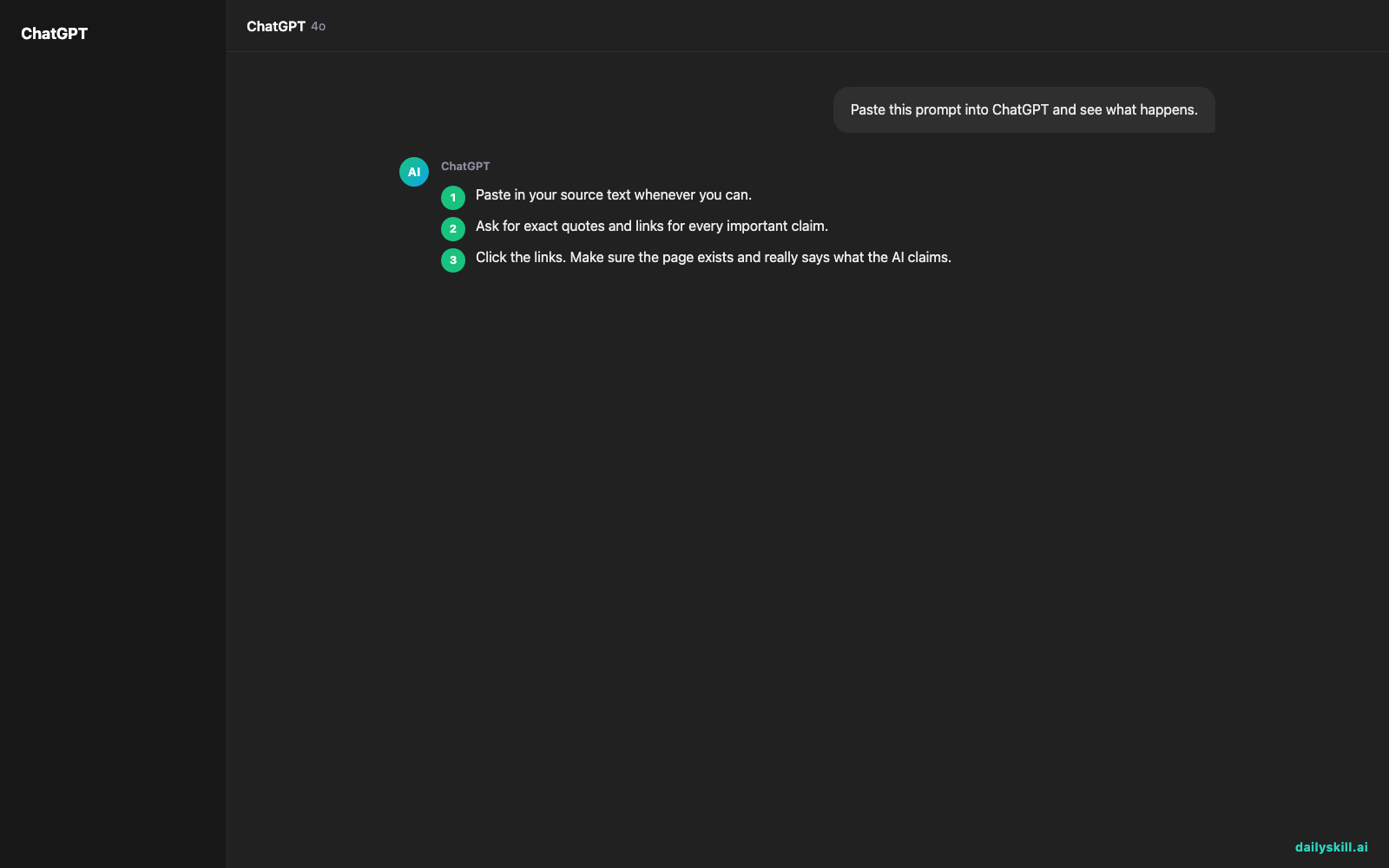
1. Paste in your source text whenever you can.
2. Ask for exact quotes and links for every important claim.
3. Click the links. Make sure the page exists and really says what the AI claims.
4. Search a key phrase or title yourself to confirm a study, book, or article is real.
5. Double-check numbers, dates, names, and quotes. These are the most common errors.
6. Ask a follow-up: “Re-check your answer. What might be wrong?”
7. For health, money, legal, or safety questions, confirm with a qualified professional or an official source.
Don’t:
– Don’t copy a citation into homework, work, or a post without verifying it.
– Don’t trust a source just because it looks formal, with authors, a year, and a journal name.
– Don’t treat “I think” or “probably” as fact.
– Don’t demand “five sources” on a topic where good ones may not exist. Pressure to deliver can push it to invent them.
A starter prompt you can copy:
“Use only the text I paste below. Quote the exact sentence for each claim. If something isn’t in the text, say ‘Not found.’ Label each point Confirmed, Likely, or Unsure.”
FAQ
Does a longer or more detailed prompt prevent hallucinations?
Not by itself. Clear rules help. Length doesn’t. Give it the material and tell it what to do when it’s unsure.
If the AI gives a link, is it real?
Not always. Links can be wrong or outdated, or may not support the claim. Tools that search the web tend to be more reliable here. Still, open the link and check.
What’s the fastest way to verify an AI response?
Pick the two or three claims that matter most. Search for each one in a trusted source. If they hold up, the rest is more likely sound. If one fails, check everything.
Bottom line
Give the AI your facts, let it say “I don’t know,” ask for quotes, and always check the claims that matter.
What’s your best trick for catching a wrong AI answer? Share it in the comments. Your tip might save someone else a headache.
Tomorrow’s question: Can AI help me prepare for a tough salary negotiation? We’ll look at how to practice your pitch, handle tricky pushback, and what to keep in your own hands.
You might also like:
- Finally Know What That Email Is Really Asking For
- Magic Eraser (Google Photos) — Erase Unwanted Objects From Any Photo in One Tap
Master Everyday AI in 1 Minute a Day
Get our free 2026 Double-Blind AI Benchmark Scorecard & 20 Ready-to-Use Prompts, plus one honest, 60-second AI skill in your inbox every morning. Zero hype, plain English, cancel anytime.