Ever read an email three times and still have no idea what the person actually wants from you? You’re not bad at reading — some emails are just badly written.
Here’s exactly how to decode one in under a minute: paste it into Claude, and you’ll get the real ask spelled out in plain English, plus a short reply you can send back to confirm it before you commit to anything.
Sound familiar?
Someone emails you full of soft language — “just wanted to check in,” “whenever you get a chance,” “no rush but…” — and somewhere in there is an actual request. Maybe it’s a deadline. Maybe it’s a yes/no decision you’re supposed to make.
You reread it, stall, or reply with something vague and hope it lands. That’s the classic “wait, what do they actually want” moment, and it costs you way more time than it should.
The 60-second fix
Step 1: Copy the confusing email
Grab the whole message — don’t trim it, even the small talk can hide the real point.
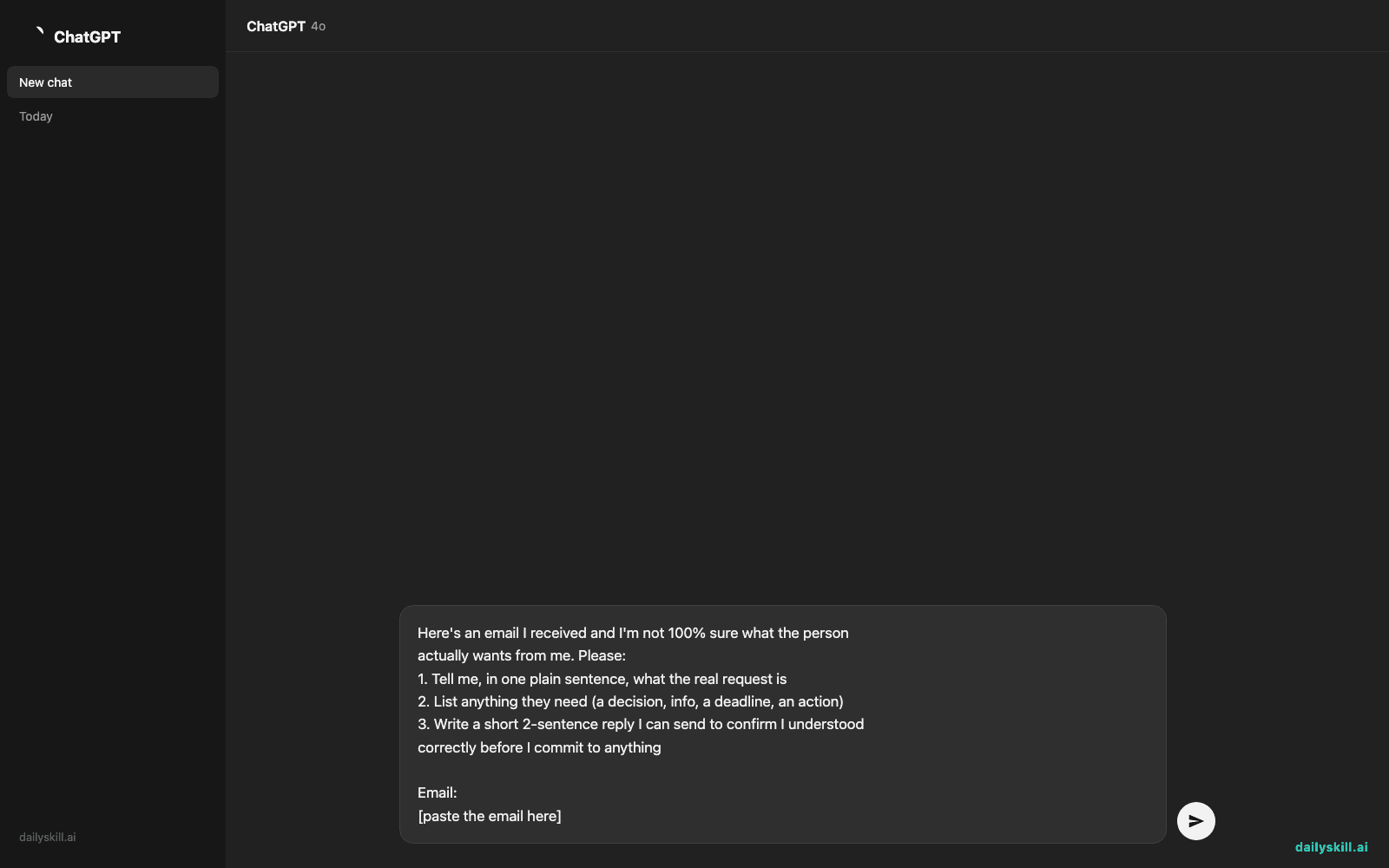
Step 2: Paste it into Claude with this prompt
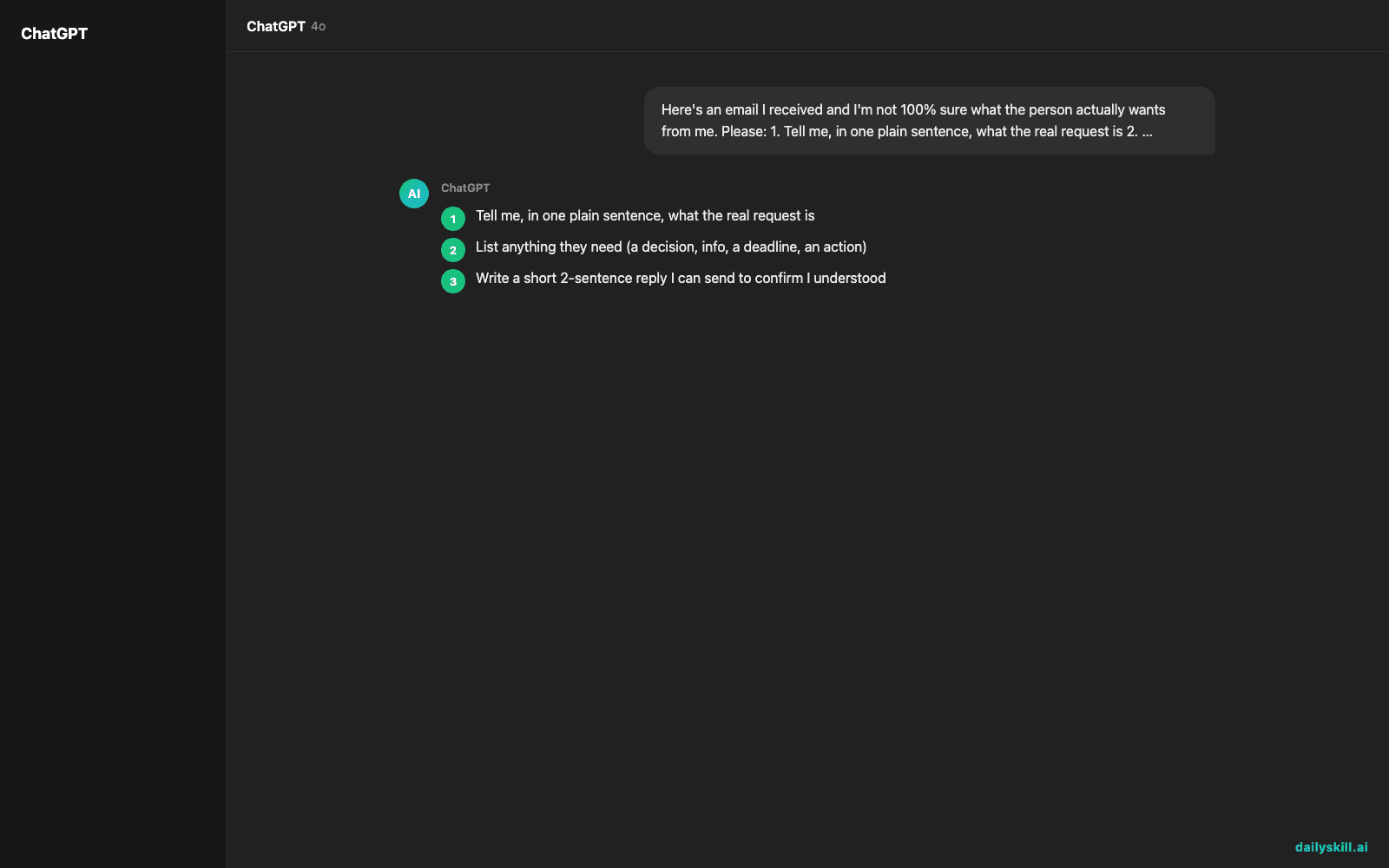
Here's an email I received and I'm not 100% sure what the person
actually wants from me. Please:
1. Tell me, in one plain sentence, what the real request is
2. List anything they need (a decision, info, a deadline, an action)
3. Write a short 2-sentence reply I can send to confirm I understood
   correctly before I commit to anything

Email:
[paste the email here]
Step 3: Read the extracted ask, then send the clarifying reply
If it matches what you suspected, great — you just saved a round of back-and-forth. If it doesn’t, you just avoided replying to the wrong question.
This prompt works any time a message feels vague — you don’t need any special software, just Claude and the text you already have.
Real example
Input email:
“Hey, hope you’re doing well! Just circling back on the Riverside proposal — whenever works for you is totally fine, no pressure at all, but it would be great to have some clarity before Thursday’s client call. Let me know!”
Claude’s output:
Real request: They need your decision on the Riverside proposal before Thursday’s client call — “no pressure” is covering an actual deadline.
What they need: A yes/no, or your specific input on the proposal, because their Thursday call depends on your answer.
Suggested reply: “Thanks for the nudge! To make sure I get you what you need before Thursday — are you looking for final sign-off on the proposal, or just my take on the numbers? I’ll have it to you by Wednesday EOD.”
That’s the difference between guessing and knowing — in one paste.
Level up
- For work Slack/DMs, use the same prompt on long, rambly messages from coworkers — it works for chat threads too, not just email.
- Add tone matching: tell Claude “write the reply in a friendly, casual tone” or “keep it formal” so your response fits the relationship.
- Multiple asks buried in one email? Add “list every separate request as its own bullet” to the prompt so nothing slips through.
FAQ
Will this work on emails from my boss or a client?
Yes — the prompt is neutral and just extracts intent, so it works for professional emails exactly the way it works for casual ones.
What if the email is genuinely vague on purpose?
Claude will flag that too — it’ll tell you if the request is ambiguous and suggest what to ask to pin it down, which is often the most useful part.
Do I need a paid AI plan for this to work?
No. This is a simple text-in, text-out task, so it works fine with Claude’s free access — no special features required.
Today’s check-in
Try this on the next confusing email in your inbox and tell the community what the “real ask” turned out to be — you’ll be surprised how often it’s simpler than it looked.
Tomorrow (Day 128): We’ll build a daily habit tracker that actually fits your real life, not some generic template you’ll abandon by Thursday.
You might also like:
- How do I create a daily routine that actually sticks?
- Grammarly — the email writing assistant that catches tone before you hit send
Master Everyday AI in 1 Minute a Day
Get our free 2026 Double-Blind AI Benchmark Scorecard & 20 Ready-to-Use Prompts, plus one honest, 60-second AI skill in your inbox every morning. Zero hype, plain English, cancel anytime.