You snapped the perfect photo for your Etsy listing, but a stray charging cable is sitting right in the corner. Or your family photo is too tight to use as a banner, and you need extra space above everyone’s heads. This tool fixes both — it’s free AI photo editing that erases objects or extends photo backgrounds with a few clicks, no editing skills required.
What it is
Adobe Express Generative Fill is a browser-based tool that edits photos using AI instead of manual tools. You brush over the part of the image you want to change — an object, a blank area, a background — and describe what should happen there.
It lives inside Adobe Express, Adobe’s free design app, so you don’t need Photoshop or any separate software.
Try it in 5 minutes
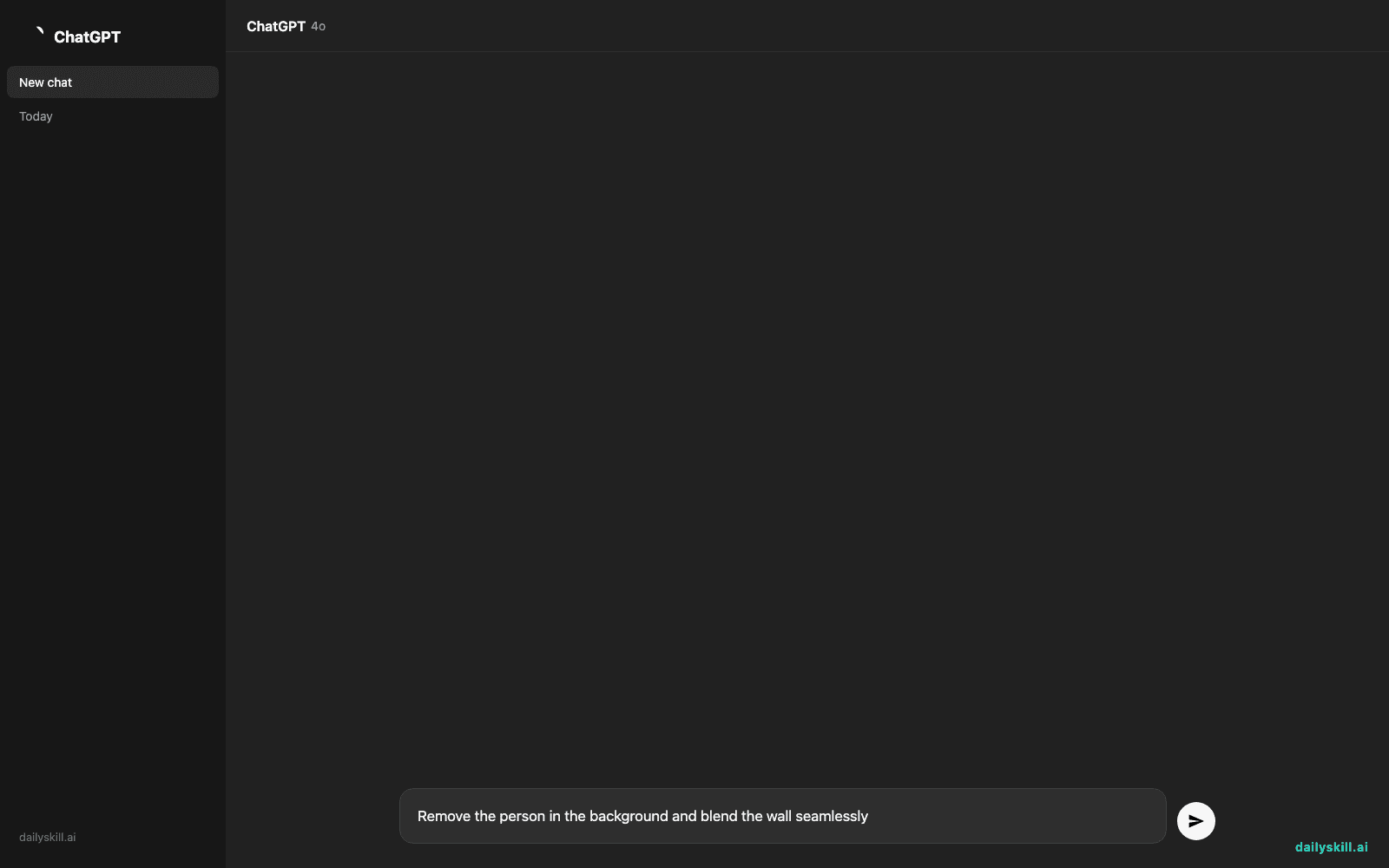
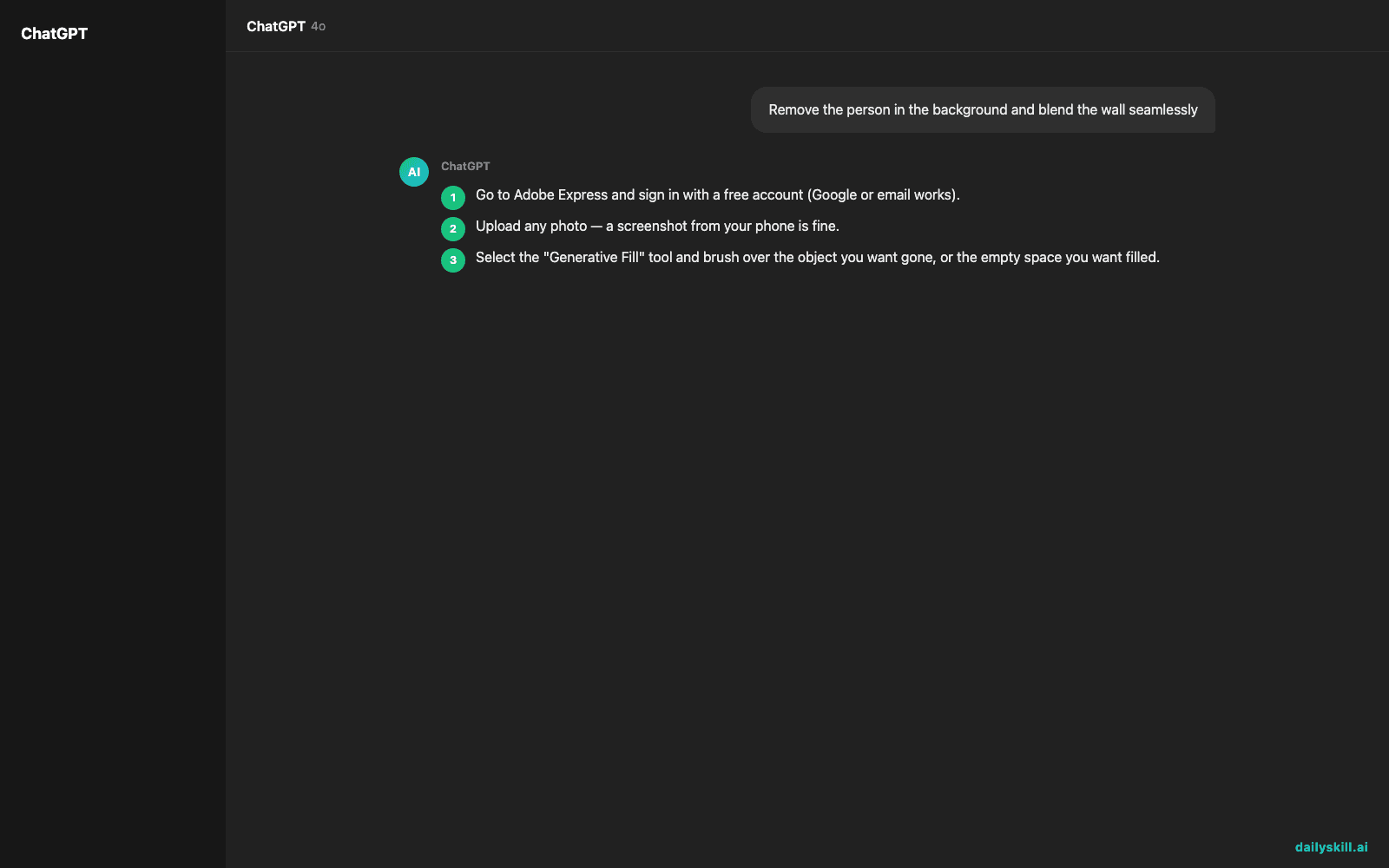
- Go to Adobe Express and sign in with a free account (Google or email works).
- Upload any photo — a screenshot from your phone is fine.
- Select the “Generative Fill” tool and brush over the object you want gone, or the empty space you want filled.
- Type a short prompt describing what should appear (or leave it blank to remove and blend automatically).
- Review the 3-4 versions it generates and pick the one that looks most natural.
Copy-paste prompt to try first:
Remove the person in the background and blend the wall seamlessly
A real example
Say you have a photo of your dog on a couch, but there’s a laundry basket in the frame. You brush over the basket and type:
Fill this area with matching couch fabric
Output: three versions of the same photo, basket gone, couch cushion texture extended naturally in its place. No visible seams, ready to post in under a minute.
This also works in reverse — brush an empty border around a photo and ask it to extend the background, so a square photo becomes a wide banner without cropping out your subject.
Honest take
Best for:
– Cleaning up photos before sharing — remove strangers, cords, trash, watermarks
– Extending backgrounds to fit a specific size (social post, banner, print)
– Quick fixes when you don’t have time to learn real photo editing software
Not for:
– Precise, professional retouching (skin, product shots) — results can look slightly soft, blurry, or off around edges
– Heavy use — the free tier gives 25 generative credits a month, and each fill uses one, so it runs out fast if you’re editing a whole photo album
FAQ
Is it free? Yes, with a monthly limit of 25 generative credits. That’s usually enough for casual, everyday photo cleanup.
Is it safe? Yes — photos are processed through Adobe’s servers and not shared publicly. Avoid uploading anything sensitive, same as with any online tool.
Do I need an account? Yes, a free Adobe account, but no credit card required to start.
Today’s pick wrap-up
If you’ve ever wished you could just erase something from a photo without opening real editing software, this is your five-minute fix. Tried it? Reply and tell us what you removed or extended — we read every one. Tomorrow: Cleanup.pictures, a tool built for exactly one job — erasing unwanted objects even faster.
You might also like:
- Turn Your Weekly Budget Into a Day-by-Day Spending Plan
- How do I use AI to generate creative ideas for a project or hobby?
Master Everyday AI in 1 Minute a Day
Get our free 2026 Double-Blind AI Benchmark Scorecard & 20 Ready-to-Use Prompts, plus one honest, 60-second AI skill in your inbox every morning. Zero hype, plain English, cancel anytime.