
It depends on the tool and how you use it — but on most free tiers, yes, your conversations can be used to improve the model unless you turn that off. The good news: every major tool gives you a real opt-out, and flipping the switch takes less than two minutes.
Why this comes up
You type something personal — a work frustration, a health question, a client’s name — and a small voice asks: where does that go? That’s a fair question, not paranoia. Privacy settings aren’t advertised on the home screen, so the worry fills the silence.
What’s actually happening
What gets collected
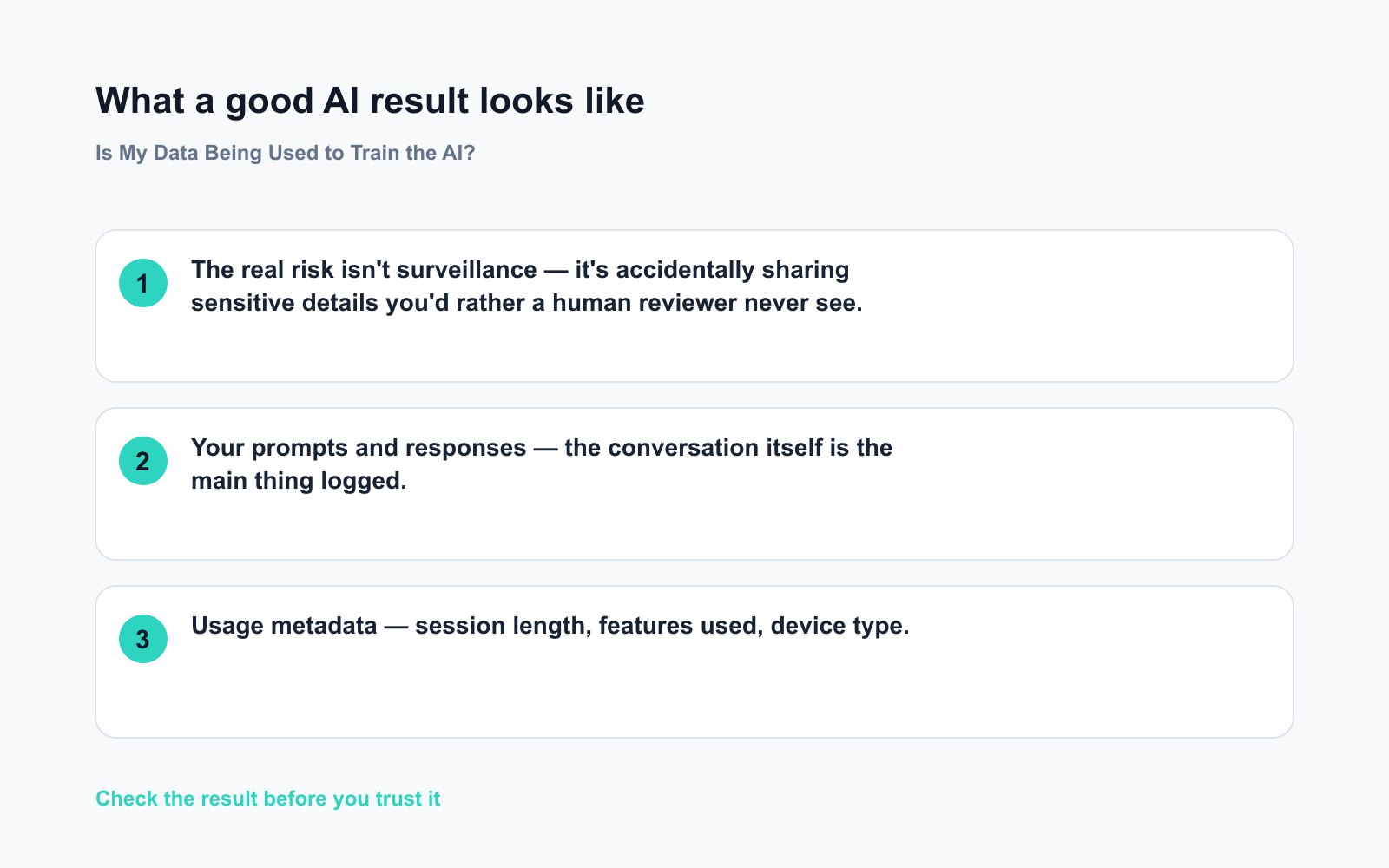
- Your prompts and responses — the conversation itself is the main thing logged.
- Usage metadata — session length, features used, device type.
- Feedback signals — thumbs up/down, edits, regenerations. These are especially useful for training.
What “used for training” actually means
Companies feed large batches of anonymized conversations into model training cycles. A human reviewer may read a small sample to check quality. Your chat about Tuesday’s meeting isn’t filed under your name — but its language patterns can influence future model behavior.
What’s overblown
Your data doesn’t create a personal profile sold to advertisers. AI training pipelines are about improving language quality, not building dossiers on individual users.
The real risk isn’t surveillance — it’s accidentally sharing sensitive details you’d rather a human reviewer never see.
Opt-out by tool (do this today)
ChatGPT (OpenAI)
– Go to Settings → Data Controls → Improve the model for everyone → toggle off.
– API access is never used for training by default.
– Conversations you delete stop being used after the next training cycle.
Google Gemini
– Open myaccount.google.com → Data & Privacy → Gemini Apps Activity → turn off.
– With activity off, conversations aren’t saved or reviewed for training.
Claude (Anthropic)
– Go to Profile → Privacy Settings on Claude.ai and disable training use.
– Business and API plans opt out automatically — free personal accounts are opted in by default.
Microsoft Copilot
– Visit privacy.microsoft.com → your privacy dashboard → manage activity.
– Enterprise M365 accounts have stricter defaults; check with your IT admin.
What to do — your checklist
Do:
– ✅ Open settings in every AI tool you use and check the training toggle this week
– ✅ Use the API or a business/enterprise tier for truly sensitive data — those plans opt out by default
– ✅ Pause before pasting anything with real names, account numbers, or confidential client details
Don’t:
– ❌ Assume the default is private — it almost never is on free tiers
– ❌ Delete your account expecting it to erase training data already used — past cycles aren’t reversed
– ❌ Treat opt-out as a complete shield — small-sample human review may still occur under some policies; check the current terms for each tool you use
FAQ
Does opting out affect how well the AI works for me?
No. The AI still uses everything in your current conversation to give you good answers. Opting out only stops that data from feeding future model updates.
What about incognito or private browsing?
It hides activity from your browser history, but the AI service still logs your prompts on its own servers. Use the in-app privacy settings — that’s what actually counts.
Is using AI at work extra risky?
It can be. Many companies now have acceptable-use policies restricting which AI tools employees can use with work data. Check with your IT or legal team before pasting anything confidential.
Bottom line
Your conversations likely feed AI training by default — but every major tool has an opt-out, and five minutes in settings puts you back in control.
What’s your take? Have you already turned off AI training — or had a moment where you realized you’d shared more than you meant to? Drop it in the comments. 👇
Tomorrow’s question: How do I stop AI writing from sounding robotic and obviously AI? If you’ve ever cringed reading back something ChatGPT wrote for you, you won’t want to miss it.
You might also like:
- Day 14 — 3 Recipes From Ingredients You Already Have (AI 1-Minute Challenge)
- Google Translate — Break Any Language Barrier in Seconds, No Expertise Needed
⭐ Want every prompt in one place?
All 136 tested prompts from our daily skills are free on
GitHub — DailySkill Prompt Library.
Star it to get new prompts as we publish.
More on AI Safety, Privacy & Cost:
- Are Free AI Tools Good Enough, or Will I Eventually Have to Pay?
- Can AI Help Me Understand a Legal Document? (What’s Safe, What’s Not)
- Can AI Help With My Taxes or Finances? (What’s Safe and What Isn’t)
Master Everyday AI in 1 Minute a Day
Get our free 2026 Double-Blind AI Benchmark Scorecard & 20 Ready-to-Use Prompts, plus one honest, 60-second AI skill in your inbox every morning. Zero hype, plain English, cancel anytime.


