
It depends on the tool and how you use it. Most AI assistants do NOT automatically remember you between separate sessions — each new conversation starts fresh by default. But memory features are now built into several major tools, and even without them, you have simple ways to carry your context forward yourself.
Why this comes up
You told ChatGPT your job title last week, and today it has no idea who you are. That’s jarring — it feels like talking to someone with amnesia. You wonder whether you have to re-explain yourself every single time, and whether anything you share is even being stored. That frustration is completely valid.
How AI memory actually works
Within a single conversation: AI remembers everything
Inside one chat session, the AI holds the full conversation in its context window — every message you’ve exchanged from the top of that chat. This is why you can say “make that shorter” and it knows exactly what “that” means.
Between separate conversations: usually a fresh start — unless memory is on
By default, closing a chat and opening a new one resets everything. But that default is changing fast:
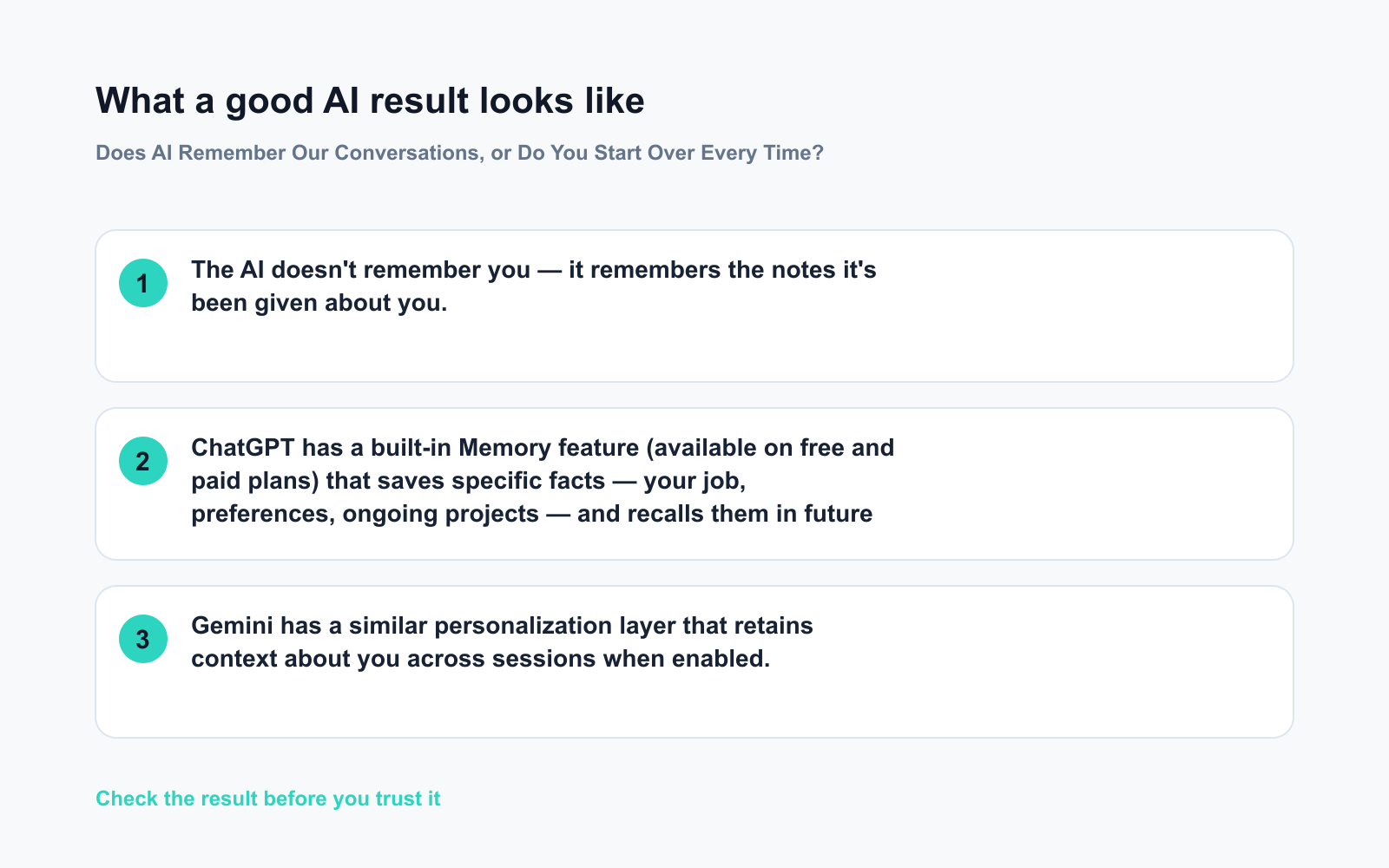
- ChatGPT has a built-in Memory feature (available on free and paid plans) that saves specific facts — your job, preferences, ongoing projects — and recalls them in future chats. You control what gets saved or deleted.
- Gemini has a similar personalization layer that retains context about you across sessions when enabled.
- Claude lacks persistent memory by default, but its Projects feature lets you attach documents and notes that stay available across conversations.
What “AI remembers me” actually means
When a tool says it remembers you, it’s storing a short summary of facts you’ve shared — not a full transcript of every chat. Think of it less like a diary and more like a sticky note on your file.
The AI doesn’t remember you — it remembers the notes it’s been given about you.
What to do: your practical checklist
Do:
– ✅ Check whether your tool has a memory or personalization setting — turn it on if you want continuity
– ✅ Start important sessions with a quick context line: “I’m a marketing manager working on a product launch for a SaaS tool.”
– ✅ Keep a short “AI briefing” doc (3–5 bullets about your role, goals, preferred tone) and paste it at the start of complex conversations
– ✅ Use Projects or custom instruction features to store recurring context permanently
– ✅ At the end of a long session, ask: “Summarize what we covered so I can paste it into our next chat.”
Don’t:
– ❌ Assume the AI picked up where you left off — check in the first response
– ❌ Share sensitive personal details just because memory is on — review your tool’s privacy settings to see what’s actually stored and who can access it
– ❌ Blame yourself for re-explaining; one sentence of context is usually all it takes
FAQ
Does ChatGPT remember my previous conversations automatically?
Not automatically. Enable the Memory feature in settings first. Once on, it saves specific facts you share and surfaces them in future chats — it does not store full transcripts.
How long does AI memory last?
Saved memory facts persist until you delete them. In-session context lasts only for that conversation. In very long chats, some tools quietly drop the oldest messages once the context window fills up.
Can I see what the AI has remembered about me?
Yes. In ChatGPT and Gemini you can view and edit stored memory in settings. Check it periodically — you may find facts that are outdated or just plain wrong.
Bottom line
AI doesn’t have a memory like yours — but between built-in memory features and a simple copy-paste habit, you can build as much continuity as you need.
Your turn: Do you already use a trick to carry context between AI chats? Drop it in the comments — the community would love to steal it.
Tomorrow’s question: Can AI just write my whole essay or report for me? You might be surprised by where the real answer lands.
You might also like:
- Day 11 — Write a Polished Business Email in 60 Seconds (AI 1-Minute Challenge)
- Midjourney — See Your Ideas as Images in Minutes
⭐ Want every prompt in one place?
All 136 tested prompts from our daily skills are free on
GitHub — DailySkill Prompt Library.
Star it to get new prompts as we publish.
More on Getting Started with AI (Beginner’s Guide):
- Can I Do All of This on Just My Phone?
- ChatGPT Explained: The Best First AI Tool for Absolute Beginners
- Complete Beginner’s Guide to AI in 2026: What It Is, How It Works, and Where to Start
Master Everyday AI in 1 Minute a Day
Get our free 2026 Double-Blind AI Benchmark Scorecard & 20 Ready-to-Use Prompts, plus one honest, 60-second AI skill in your inbox every morning. Zero hype, plain English, cancel anytime.


