You’ve needed this before
You’re three days from a friend’s 40th birthday and a card feels like a cop-out. Or your team presentation needs an intro jingle and your budget is zero. Suno is an AI music generator that turns a short text description into a complete song — vocals, melody, instruments — in about 30 seconds. It’s for anyone who wants real music without knowing a single music theory term.
What it is
Suno is a web-based tool where you type what you want your song to sound like, and it generates a finished track you can play and download. It writes the lyrics and performs them. You don’t upload anything, play an instrument, or touch a single setting unless you want to.
The result sounds like an actual song — not a robotic beep or a stock loop.
Try it in 5 minutes
- Go to suno.com and sign in with a Google or Discord account — takes one minute.
- Click Create on the left sidebar.
- Make sure Custom Mode is OFF to keep it simple for your first try.
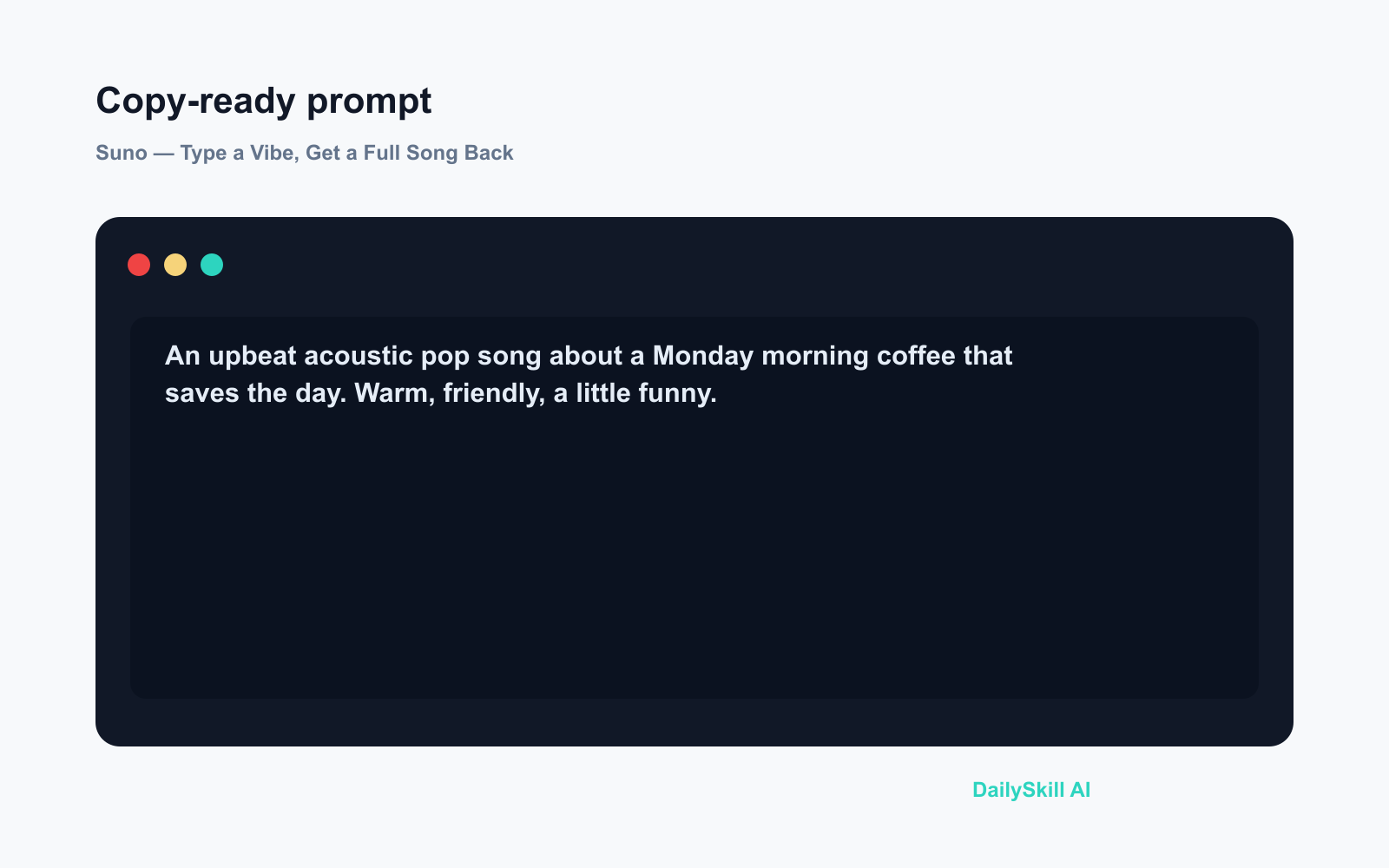
- Paste this into the description box and hit Create:
An upbeat acoustic pop song about a Monday morning coffee that saves the day. Warm, friendly, a little funny.
- Wait about 30 seconds. Suno gives you two versions to compare.
- Hit play. Pick your favorite. Click the three-dot menu to download the MP3.
That’s it. You just made a song with AI.
A real example
You type: “A dramatic opera-style song about a cat who refuses to move off the couch. Italian style, over the top.”
You get a full 2-minute track with a male operatic tenor belting out original lyrics about a cat named Lorenzo, complete with swelling strings and a repeated chorus that roughly translates to “the couch is my kingdom.” The tone matches exactly — it’s genuinely funny and genuinely musical.
Suno picks the genre, writes every word, and performs it. You just described the idea.
Honest take
Best for:
– Personalized songs for birthdays, anniversaries, or inside jokes
– Quick jingles for small business videos or presentations
– Low-stakes creative fun — the results are often surprisingly good
Not for:
– Releasing music commercially — Suno’s terms around ownership and monetization are genuinely complicated, so read them carefully before you publish anything anywhere
– Fine musical control — you can’t specify a key, chord progression, or tempo number; if those details matter to you, this tool will frustrate you
Free tier: Yes. You get daily credits that refresh each day — enough to make a few songs and get a real feel for the tool before deciding whether to pay for more.
FAQ
Do I need any music skills to use it?
None at all. If you can describe a mood in a sentence, you can make a song. “Happy, country, about a road trip” is genuinely enough to get started.
Is my data safe?
Songs created on the free plan are public by default and may appear on Suno’s community feed. If that’s a concern, check the privacy settings before you start — or look at a paid plan for private tracks.
Is it really free?
Yes. The free tier gives you daily credits that reset, so you can come back regularly without paying. The credits limit how many songs you make per day — not whether you can use the tool at all.
Today’s pick
Suno is the fastest way to hand someone a song that’s actually about them — not a playlist, not a card, an original track with their name in it. The free tier is generous enough to make it worth a lunch-break experiment today.
Tried Suno? Drop your best (or weirdest) prompt in the comments — we’d love to hear what you made.
Tomorrow we’re looking at Gamma — an AI that builds a polished presentation deck from a single sentence. No slide-shuffling required.
You might also like:
- Day 8 — Read Any Medicine Label Instantly — Let AI Decode Dosage & Side Effects (AI 1-Minute Challenge)
- Can I Do All of This on Just My Phone?
⭐ Want every prompt in one place?
All 136 tested prompts from our daily skills are free on
GitHub — DailySkill Prompt Library.
Star it to get new prompts as we publish.