Mostly yes — with some clear limits. AI tools like ChatGPT are safe for everyday tasks, but they’re not private the way a locked diary is. What you type can be stored, reviewed, or used to improve the model. That doesn’t mean you should panic — it means you should be a little thoughtful about what you share, the same way you would on any website you didn’t build yourself.
Why this comes up
You’re typing into a box on the internet, and it’s not obvious where your words go. You’ve probably heard stories about data breaches and surveillance, so wondering whether AI tools handle personal data responsibly is completely reasonable. The worry is real — it just needs a sense of scale.
The honest answer
What actually happens to your input
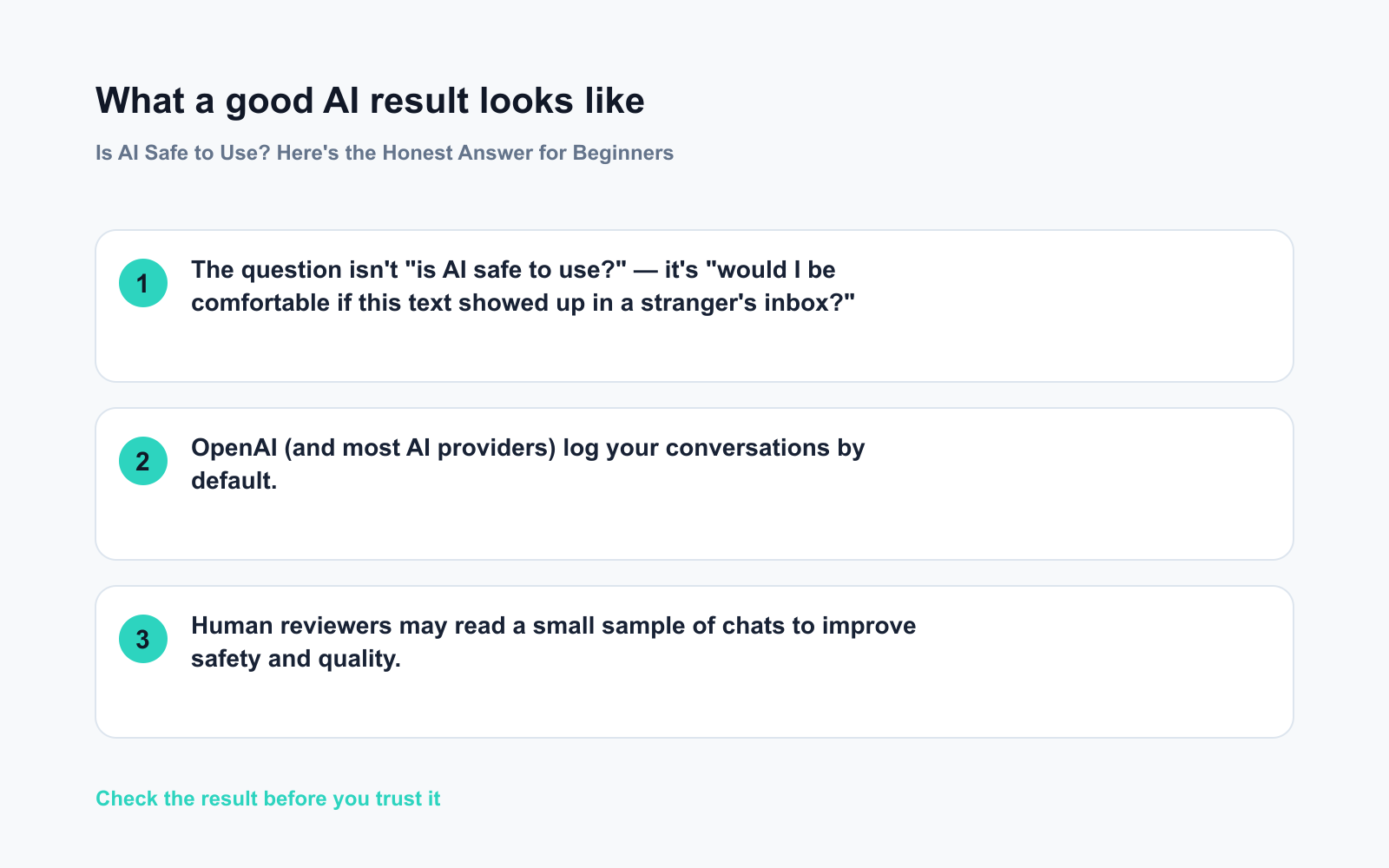
- OpenAI (and most AI providers) log your conversations by default.
- Human reviewers may read a small sample of chats to improve safety and quality.
- Your data can be used to train future models — unless you opt out.
What’s true
– These companies have privacy policies, security teams, and legal obligations.
– For general questions, brainstorming, or learning, the risk is very low.
– ChatGPT’s privacy settings let you turn off chat history and opt out of training.
What’s overblown
– ChatGPT isn’t quietly scanning your screen or selling your data to advertisers.
– Typing “how do I fix a leaky faucet?” is not a privacy risk.
– AI tools aren’t uniquely dangerous — social media platforms collect far more about you.
Where the real risk lives
– Pasting in your Social Security number, passwords, or bank details — don’t do it.
– Sharing someone else’s private information without their knowledge.
– Using AI tools on a work device without checking your employer’s policy first.
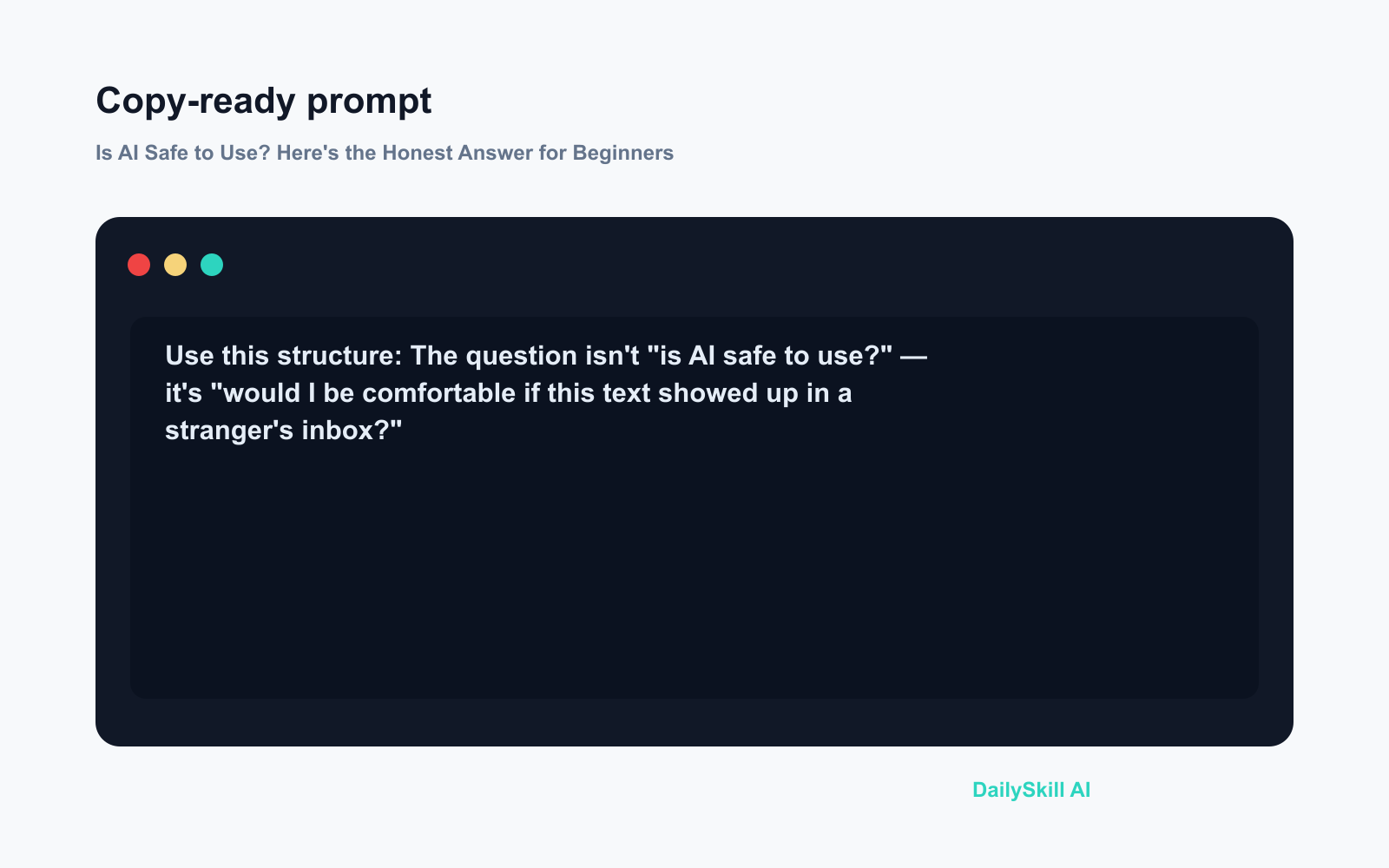
The question isn’t “is AI safe to use?” — it’s “would I be comfortable if this text showed up in a stranger’s inbox?”
What to do
Do:
– ✅ Go to ChatGPT Settings → Data Controls and turn off “Improve the model for everyone”
– ✅ Use the temporary chat option when you want a session that isn’t saved
– ✅ Treat the chat window like a public whiteboard — useful, but not secret
– ✅ Give context without full details (“I earn around $80k” is fine; your pay stub is not)
Don’t:
– ❌ Paste your full name, home address, SSN, or passwords into any AI tool
– ❌ Upload documents containing other people’s private data
– ❌ Assume Incognito mode in your browser makes your AI chats private — it doesn’t
– ❌ Skip your company’s AI use policy if you’re on a work machine
FAQ
Can OpenAI employees actually read my chats?
A small number of trained reviewers can access conversations for safety and quality checks. It’s not a live feed, and it’s not common — but it’s possible. That’s why you avoid sharing anything you’d never say out loud to a stranger.
Is the ChatGPT mobile app safer or riskier than the website?
Neither is meaningfully safer. Both connect to the same servers and follow the same privacy policy. The same rules apply on both.
What if I use a different AI tool — do the same rules apply?
Each tool has its own policy, and some are stricter than others. Microsoft Copilot and Google Gemini both offer enterprise versions with stronger data protections. Check the privacy settings of whichever tool you use before sharing anything sensitive.
Bottom line
AI tools are safe for most everyday use — just don’t type anything you wouldn’t write on a postcard.
What’s your take? Have you ever wondered mid-sentence whether you were sharing too much? Drop your experience in the comments — your question might become a future edition.
Tomorrow: Do you actually need to pay for ChatGPT, or does the free version do the job? We’ll break down exactly what you get at each tier.
You might also like:
- Day 2 — Catch Up on Any Group Chat in 5 Lines (AI 1-Minute Challenge)
- ChatGPT Explained: The Best First AI Tool for Absolute Beginners
⭐ Want every prompt in one place?
All 136 tested prompts from our daily skills are free on
GitHub — DailySkill Prompt Library.
Star it to get new prompts as we publish.
More on AI Safety, Privacy & Cost:
- Are Free AI Tools Good Enough, or Will I Eventually Have to Pay?
- Can AI Help Me Understand a Legal Document? (What’s Safe, What’s Not)
- Can AI Help With My Taxes or Finances? (What’s Safe and What Isn’t)