
AI is one of the most useful tools for social media — if you use it as a starting point, not a shortcut. The difference between posts that feel human and posts that feel generated is whether a person edited and added specifics before publishing.
Here’s how to use AI for social media content that actually works.
What AI Does Well for Social Media
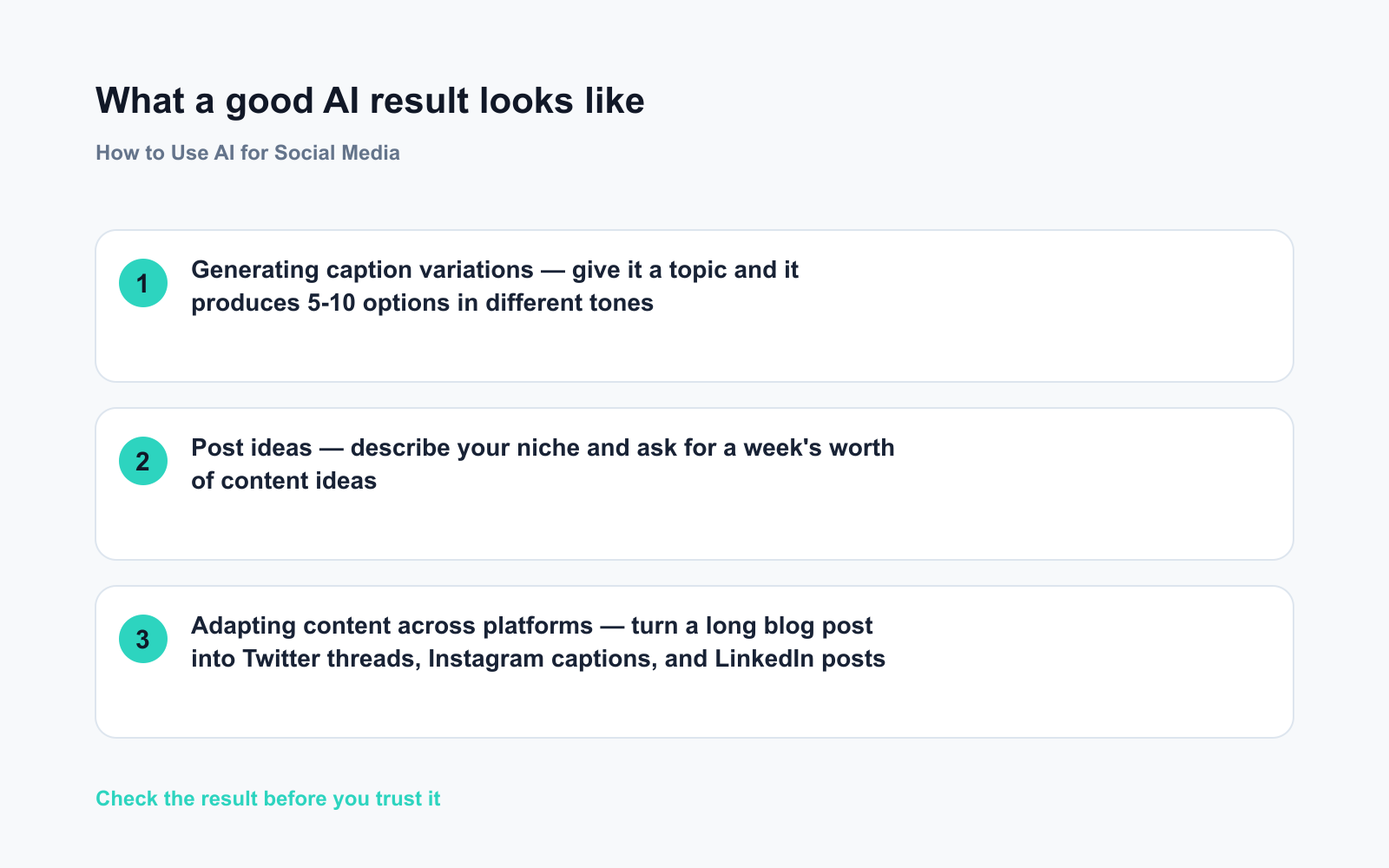
- Generating caption variations — give it a topic and it produces 5-10 options in different tones
- Post ideas — describe your niche and ask for a week’s worth of content ideas
- Adapting content across platforms — turn a long blog post into Twitter threads, Instagram captions, and LinkedIn posts
- Writing hooks — the first line that stops someone from scrolling
- Hashtag research — suggest relevant hashtags for a topic
- Rephrasing — make a post shorter, more casual, or more engaging
The Basic Workflow
Step 1: Give it context
Don’t just say “write me a caption.” Give the AI the information it needs:
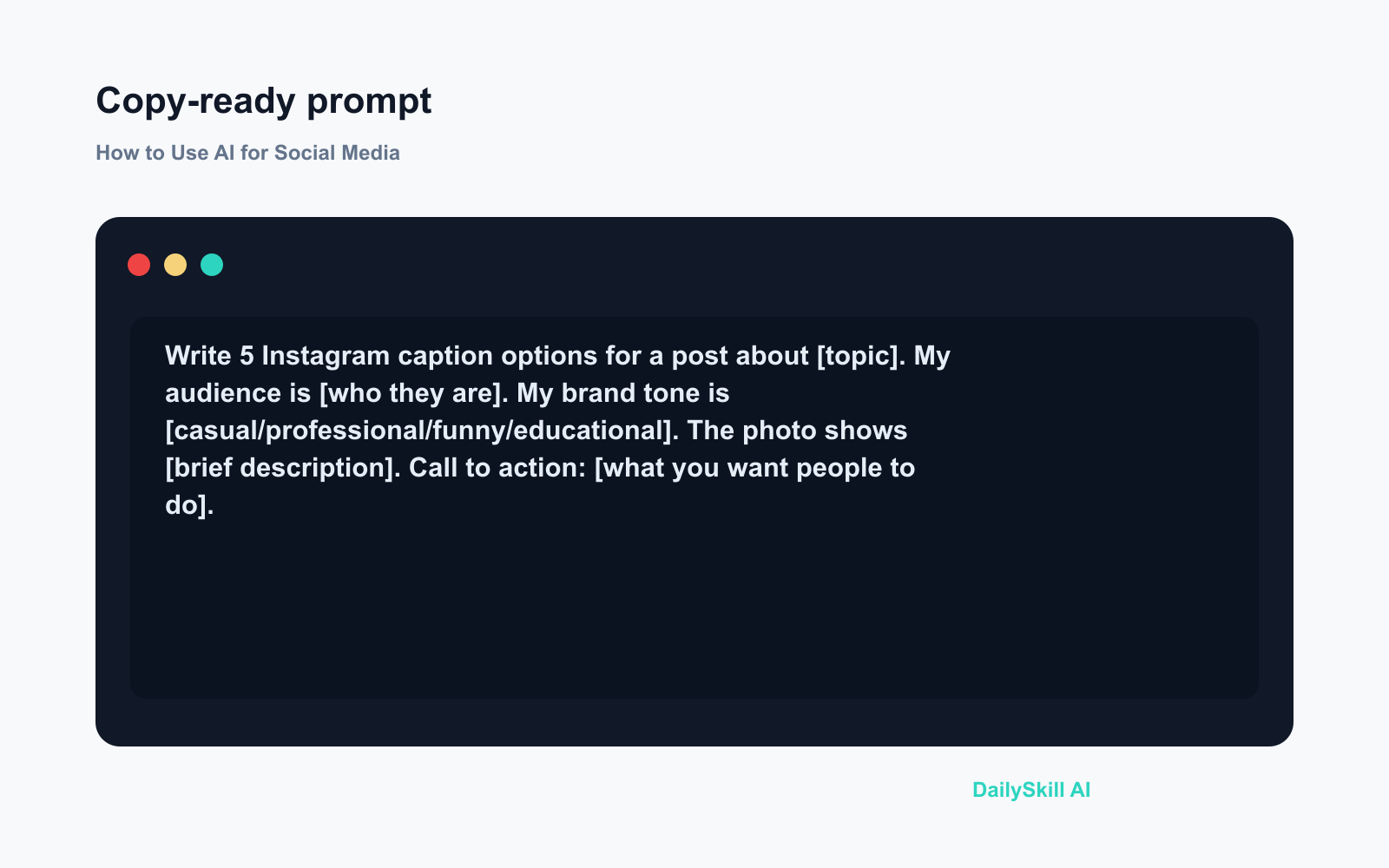
Write 5 Instagram caption options for a post about [topic].
My audience is [who they are].
My brand tone is [casual/professional/funny/educational].
The photo shows [brief description].
Call to action: [what you want people to do].
Step 2: Pick and edit
Choose the option closest to what you want, then:
– Add one specific, personal detail (a real example, a number, your opinion)
– Adjust the tone to match your voice
– Remove anything that sounds generic or “AI-like”
Step 3: Add specifics
The biggest difference between good and generic AI content: specific details. AI writes “I love spending time with my community” — you change it to “200 of you showed up to our London meetup last month and I’m still buzzing.”
Prompts That Work
Generate a week of content ideas
Give me 7 content ideas for [your niche/topic] that would work on Instagram.
My audience is [describe them].
Mix formats: some educational, some entertaining, some personal.
Include a short description of what each post would cover.
Write captions in your voice
Here are three examples of my Instagram captions:
[paste 3 captions]

Write a caption for a post about [topic] in the same tone.
Keep it under 150 words. End with a question.
Turn a blog post into social content
Turn this blog post into:
1. A Twitter/X thread (8-10 tweets)
2. A LinkedIn post (200-300 words, professional tone)
3. An Instagram caption (100-150 words, more casual)

Blog post: [paste it]
Write a hook (the first line)
The first line determines whether someone reads the rest. Ask AI to generate options:
Write 10 different opening lines for a post about [topic].
Make each one different — some curious, some bold, some counter-intuitive.
The goal is to make someone stop scrolling.
Then pick the best one and write the rest of the post around it.
Platform-Specific Tips
Instagram: Captions can be long, but the first 2 lines are what people see before “more.” Make those count. AI is good at writing punchy openers.
Twitter/X: Short, single-idea tweets. Ask AI for 10 variations of one idea and pick the sharpest.
LinkedIn: More formal than Instagram; personal stories with professional lessons perform well. AI can draft the structure; add your real story.
TikTok/Reels scripts: AI works well for writing short scripts (15-60 seconds). Describe the concept and ask for a script with a hook, main content, and CTA.
What to Edit Out After AI Generates
Before posting, remove:
– Generic openers: “In today’s fast-paced world…” / “Are you struggling with…”
– Excessive exclamation points
– Hashtag dumps (only keep the most relevant 3-5)
– Anything that references “as an AI” or sounds robotic
– Filler phrases: “It’s important to note that,” “leveraging the power of,” “in this day and age”
Replace with something specific and real from your own experience.
Which Tools to Use
ChatGPT (free): Best all-round for caption writing, content ideas, and repurposing content. The free tier is sufficient for most social media tasks.
Claude (free): Particularly good for longer-form posts and adapting writing to match a specific voice. Handles more examples in a single prompt.
Canva AI / Magic Write: Useful if you want to go directly from caption to designed post inside Canva.
FAQ
Will people know my captions were AI-written?
Not if you edit them. The tell-tale signs of unedited AI content are generic phrasing and lack of specific detail. Add real specifics and it sounds like you.
Can AI schedule my posts too?
AI content tools (like ChatGPT) write the content but don’t schedule. Scheduling requires a separate tool: Buffer (free), Later, or Meta Business Suite (free for Instagram/Facebook).
Should I mention that I use AI?
It’s not required for most social media content. If you’re a creator whose audience trusts you for authentic voice, you might mention you use AI as a drafting tool and then edit heavily — that’s increasingly a standard part of content creation.
Related: How do I get AI to write in my voice? · If I only build one AI habit, what saves the most time?
You might also like:
- Turn a Messy Meeting Photo Into a Clean To-Do List in 60 Seconds
- You.com — A Free AI Search Engine That Skips the 10 Blue Links
Master Everyday AI in 1 Minute a Day
Get our free 2026 Double-Blind AI Benchmark Scorecard & 20 Ready-to-Use Prompts, plus one honest, 60-second AI skill in your inbox every morning. Zero hype, plain English, cancel anytime.


